For creators & marketers
Turn long articles into carousels people save and share
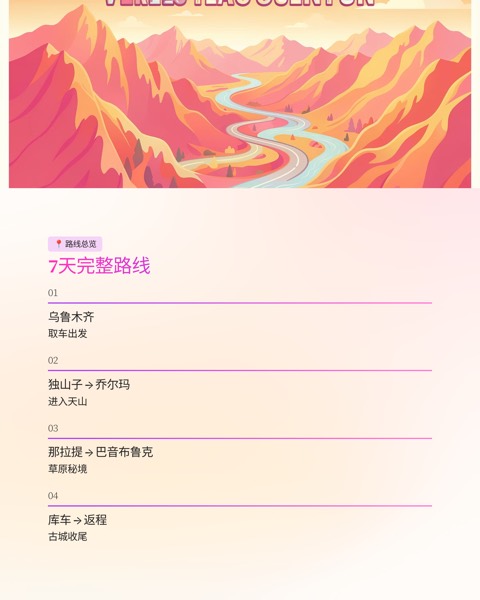
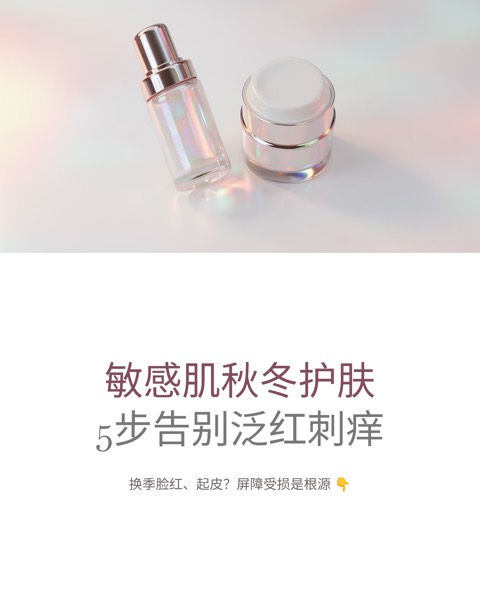
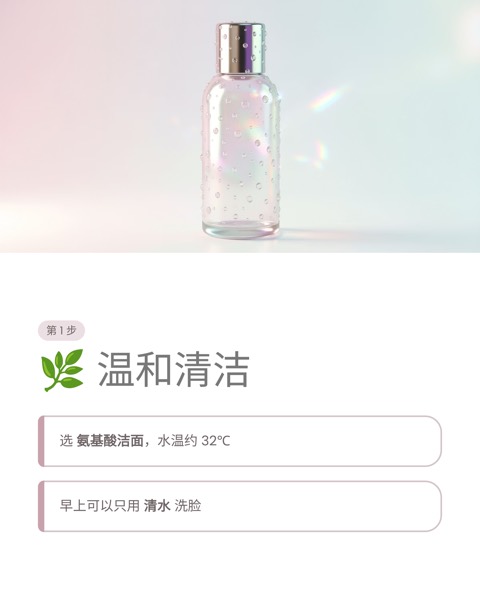
Get more from the writing you already have: a scroll-stopping cover, one idea per card and a clear call to action, as a 4:5 PNG set for Xiaohongshu or a PDF carousel for LinkedIn.
2 credits per slide · AI images included · Export PPTX, PDF or PNG
Real examples for this use case
Same input, one click — try it yourself.





Sound familiar?
Long reads get skipped
In a fast-moving feed, a wall of text loses to a good image every time.
Repurposing is tedious
Splitting an article into cards, writing hooks and designing each one takes hours.
Every platform wants a different format
Xiaohongshu wants 4:5 images, LinkedIn wants a PDF, and both need to look on-brand.
What you get
A carousel built for the feed: grab attention, deliver value, give people a reason to follow.
Slide structure
A headline that stops the scroll
Why this matters to your reader
One idea per card, easy to skim
A concrete example or step-by-step method
The takeaway on a single card
Follow, save, comment or visit your link
Why it works
Xiaohongshu-ready PNGs
Exported at 4:5 and ready to upload as an image post.
LinkedIn PDF carousels
Exported as a PDF you can post as a swipeable LinkedIn document.
A consistent look
Your logo, colours and footer on every card, post after post.
A month of posts at once
Upload several articles and generate carousels for all of them in one batch.
Done in three steps
- 1
Paste your article
Paste an article, blog post or newsletter, or upload a document.
- 2
Pick a platform and template
Choose Xiaohongshu or LinkedIn, then apply your brand template.
- 3
Download and post
Download the PNG set or PDF and publish straight away.
Frequently asked questions
Give your best writing a second life
Paste an article and get a carousel ready to post in minutes.